First-person mascot horror · Interactive DVD
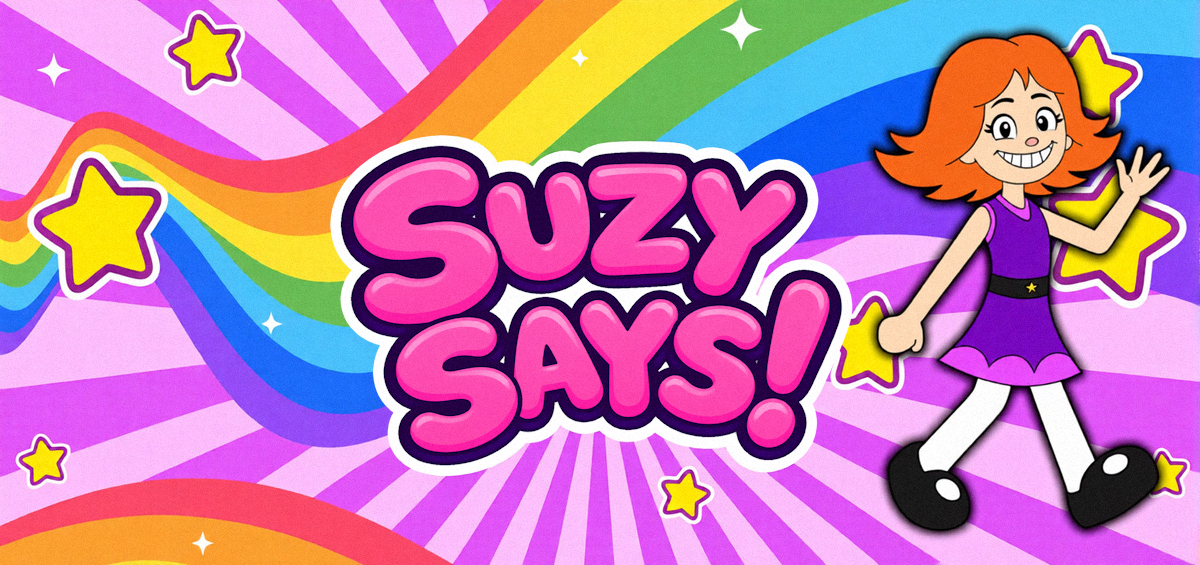
Suzy Says!
After school, a mysterious interactive DVD is waiting at home. Step onto its colourful floor mat, listen to Suzy, and follow her rules carefully.
The player may take a while to download on the first visit. For the clearest view and reliable keyboard focus, use a desktop browser, click inside the frame, and switch to full screen if available.
How to play Suzy Says!
MOONBIT describes this as a first-person horror game built around an interactive DVD and a twist on Simon Says. Follow the spoken instruction only when Suzy gives the correct cue; reacting to a command without it can cost you.
Use W, A, S and D to move around the room and floor mat.
Press Space when Suzy's valid instruction asks you to jump.
Press C when a valid instruction asks you to crouch.
Pause for the complete cue before acting. Do nothing when the command lacks “Suzy says”.
The official developer lists WASD, Space and C as the controls. Flashing lights, jump scares and unsettling themes are present. Headphones help you hear each cue.
Survival and ending guide
The game changes its atmosphere as the DVD continues. This guide explains the rule and how to recover from mistakes without claiming an unverified exact sequence of prompts.
A reliable playthrough plan
- Before the first command: Let the game finish loading, click the player, and confirm that WASD movement responds. Keep your view on the mat and listen to the full sentence.
- For every instruction: Check for “Suzy says” first. If it is present, perform the requested movement promptly; if it is absent, stay still. Use Space for jump and C for crouch.
- When the pace rises: Do not anticipate a command from its first few words. Focus on the cue and the requested action, then reset your hands to movement keys for the next instruction.
- If you receive a strike or fail: On the next attempt, identify whether you moved without the cue or missed a timed action. Change only that response so the rule stays consistent.
- For endings: Complete the standard run first. The developer says the separately offered Full Windows edition adds Endless Mode and a secret ending; those features should not be assumed to exist in this hosted browser build.
What to check if you are stuck
Make sure the player has keyboard focus and the browser has finished downloading the large game. If a command seems to register incorrectly, stand on the floor mat when the scene expects it, wait for the full voice line, and retry with the correct cue. A direct new-tab launch can help if the iframe loses focus.
Source: MOONBIT's official Suzy Says! page for the premise, controls, languages, warnings and Full-edition distinction. The embedded build is supplied by the host address above; it is separate from the developer's Windows download.
Questions players ask
What keys do I use?
WASD moves, Space jumps and C crouches. Click inside the game frame before using the keyboard.
Why does the game take so long to start?
The hosted page reports a download of about 250 MB. Let it finish loading, or try opening the game in a new tab.
Does this browser build include the secret ending?
The developer reserves the secret ending and Endless Mode for its separately offered Full Windows edition. We have not verified those features in this hosted browser build.
Are other languages supported?
The developer lists English, French, German, Italian, Spanish, Brazilian Portuguese, Polish, Russian, Chinese and Japanese subtitles for the official release. Availability in the hosted build may differ.
All browser games on this site
Explore every game page in the collection. Each cover is shown in full, without cropping.